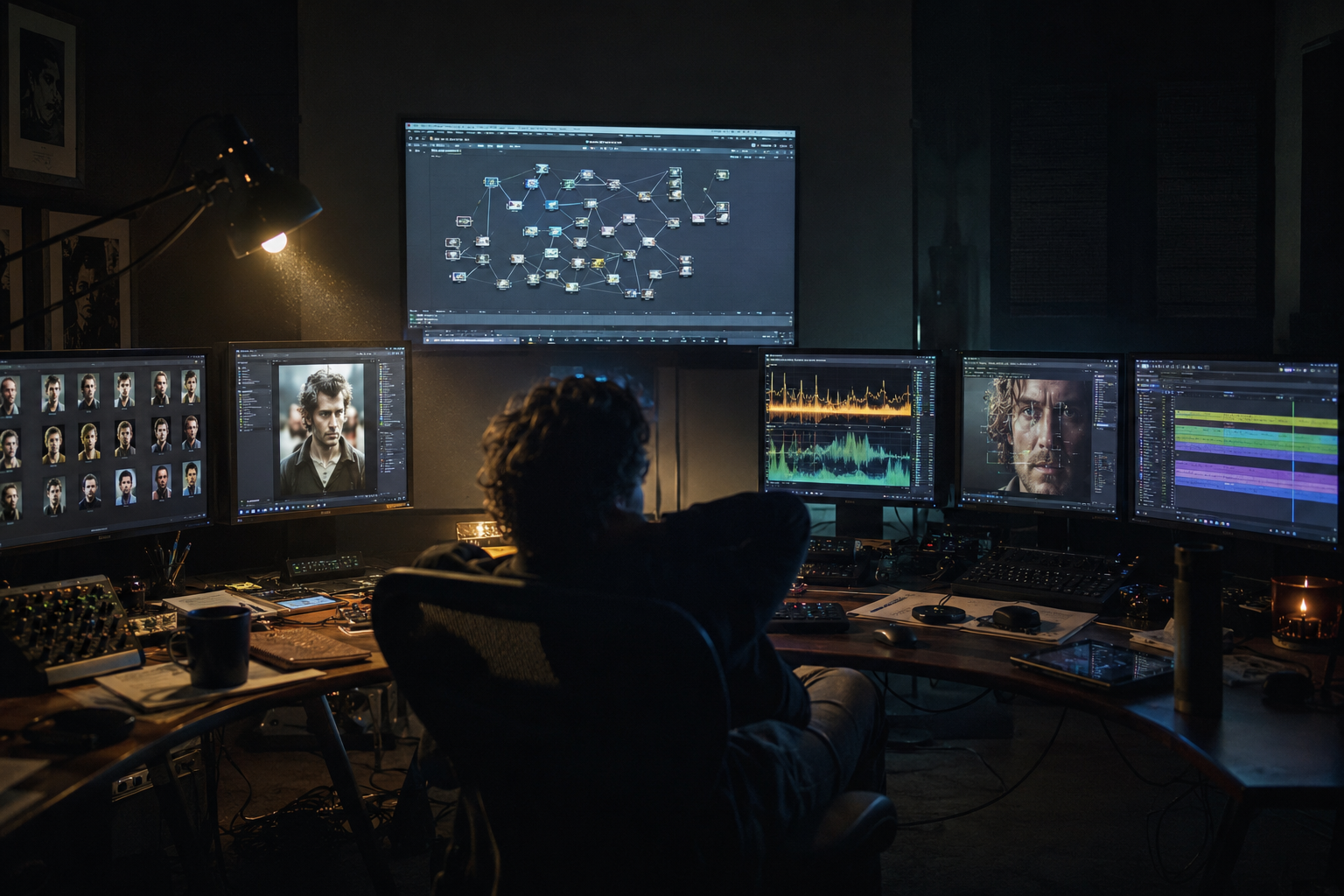
The AI microdrama tool stack in 2026 has five layers: image models for character casting, video models (Seedance 2.0, Kling 3.0, Veo 3.1) for shot generation, voice cloning for dialogue, lipsync for retrofit shots, and music models for score, orchestrated as one pipeline rather than five disconnected apps. Model choice per layer matters less than routing: production-grade studios send each shot type to the model that handles it best. This guide maps every layer, the routing logic, and where the stack breaks if you run it manually.
Layer 1: Image Models for Casting and Style
Character bibles and style frames come first, before any video. Image models generate the 6 to 10 canonical references per lead and the location bible that anchor the entire season. The selection criterion is not aesthetic quality alone but identity stability across a reference set: the model must produce the same face at multiple angles. These references then drive image-to-video generation downstream, the workflow detailed in our character consistency guide.
Layer 2: Video Models and Shot Routing
As of mid 2026, three models carry most professional microdrama output, and the routing logic is consistent across studios:
| Model | Route these shots | Why |
|---|---|---|
| Seedance 2.0 | Dialogue, emotional close-ups | Native lip sync in the generation pass, strong reference-driven character work |
| Kling 3.0 | Action beats, physical movement | Motion quality and reference support for recurring characters |
| Veo 3.1 | Establishing shots, cinematic wides | Best-in-class visual fidelity where no recurring face appears |
Single-model pipelines are a 2024 habit. A 90 second episode of 8 to 15 shots typically touches two or three video models, which is why prompt structure has to be model-portable; the six-part structure in our prompt engineering guide transfers across all three with vocabulary tuning per model. For a shot-by-shot head-to-head of the two microdrama workhorses, see our Seedance 2.0 vs Kling 3.0 benchmark.
Layer 3: Voice
Voice cloning assigns each recurring character one locked voice ID for the season. The test at casting time is emotional range: a voice that reads neutral lines well but breaks on distress will fail in a revenge arc. Clone once, stress-test against the character's extreme scenes, then freeze.
Layer 4: Lipsync
Dialogue generated on Seedance 2.0 ships with sync. Everything else gets retrofit lipsync, and the craft rules still apply: lines under two sentences per shot, cutaways during longer speeches, ambient sound under every dialogue scene. Lipsync is the layer where viewers judge the entire production, so it earns a dedicated QC check per batch.
Layer 5: Music and Sound
Score and SFX models complete the episode. Microdrama scoring is functional: a tension bed under escalation, a sting on the turn, silence or a single hit on the cliffhanger. Generate a small library of season-consistent cues once, then reuse them, exactly like character references. Sonic consistency is continuity.
The Orchestration Layer Is the Actual Stack Decision
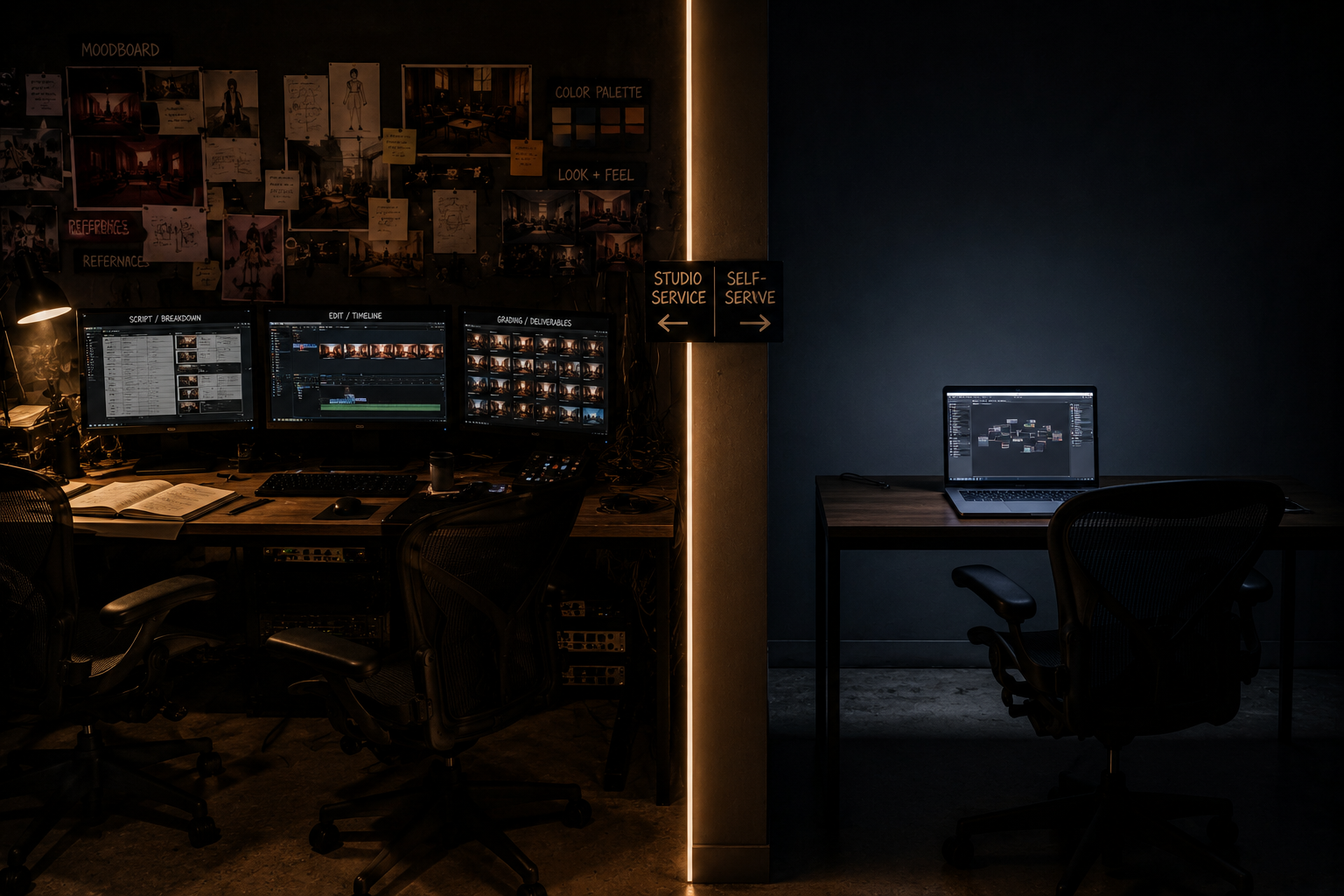
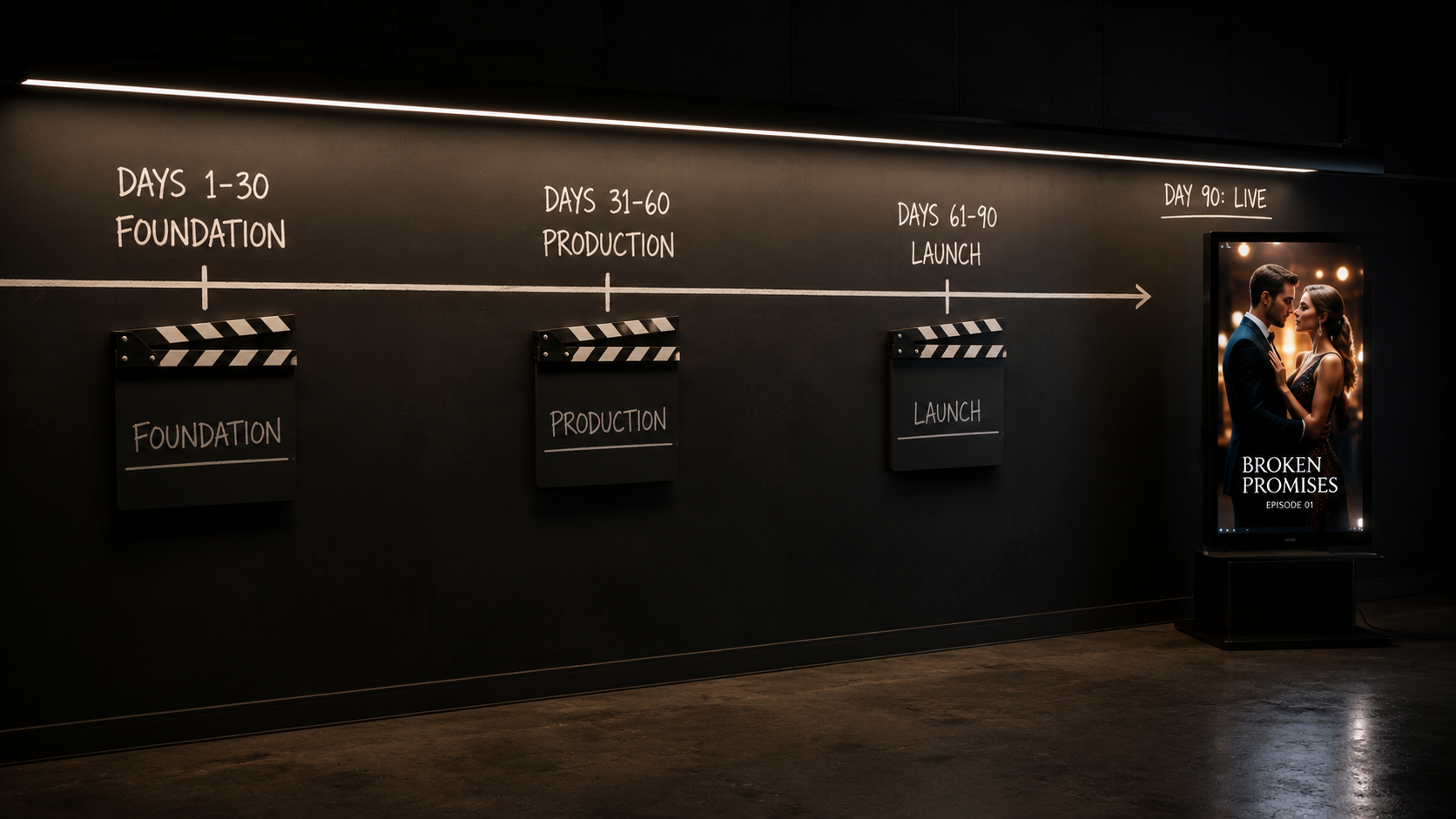
Every layer above is available as a standalone app, and running a season across five disconnected tools is where solo producers stall: assets scatter, references get pasted wrong, and per-episode assembly becomes hours of export-import. The 2026 shift is treating the AI microdrama tool stack as one workflow. On the MinionArts Vertex canvas, image, video, voice, lipsync, and music models chain on a single node graph with character locks and routing rules fixed in the workflow itself, so an episode run is one execution rather than an afternoon of tab-switching, directed end to end by the Vertex AI Director agent, which handles orchestration rather than generation: routing shots, applying locks, and assembling the finished episode. That orchestration difference, not any single model choice, is what separates teams shipping 60 episodes from teams shipping 6, as the timelines in our complete AI microdrama production playbook and season planning guide show.
Cost Logic Across the Stack
Across the AI microdrama tool stack, model spend concentrates in the video layer, and routing controls it: sending a static establishing shot to a premium dialogue model wastes budget, while sending a close-up to a cheap unanchored model wastes regeneration cycles. With disciplined routing and reference anchoring, usable footage rates above 90 percent are the reported 2026 norm, and total production cost lands at roughly one tenth of live-action equivalents. Per-episode figures by tier are in our cost breakdown.
FAQ
What is the best AI video model for microdramas?
No single model. Seedance 2.0 for dialogue with native lip sync, Kling 3.0 for motion, Veo 3.1 for cinematic establishing shots. Professional pipelines route by shot type.
Do I need all five layers to start?
A pilot needs image, video, and voice at minimum. Lipsync and music become mandatory the moment you submit to platforms, which reject sync gaps quickly.
Can I run the whole stack in one tool?
All-in-one consumer apps trade control for convenience and cap quality at their weakest layer. Production teams orchestrate best-in-class models on a workflow canvas instead.
How much does the AI microdrama tool stack cost?
Spend concentrates in video generation and scales with retry rate. Reference anchoring and shot routing keep usable rates above 90 percent, which is the main cost lever.