To make an AI microdrama, you script a 60 to 100 episode vertical season, lock your characters with reference images, generate shots in 9:16 with models like Seedance 2.0, Kling 3.0, or Veo 3.1, add voice and lipsync, then assemble episodes of 60 to 120 seconds that each end on a cliffhanger. As of mid 2026, a two to three person team running this pipeline on a node-based canvas can ship a full season in four to six weeks at roughly one tenth of live-action cost. This playbook walks through all seven stages, the models at each layer, and the numbers behind them.
Why 2026 Is the Year to Start
The demand side is not waiting for you. Omdia projects the global microdrama market will reach $14 billion by the end of 2026, and Deloitte expects in-app microdrama revenue alone to more than double this year to $7.8 billion. In Q4 2025, microdrama apps drove 733 million downloads globally, more than long-form streaming apps combined. Fox Entertainment has committed to over 200 original microdrama series, and TikTok launched PineDrama as a dedicated serialized app in early 2026. Supply of quality AI-native content is the bottleneck, not audience appetite.
Step 1: Pick a Premise That Survives 60 Episodes
A microdrama premise is a pressure cooker, not a plot. You need one sentence with a built-in power imbalance that can flip repeatedly: a fired assistant who secretly owns the company, a bride who discovers her groom at the altar is her business rival, a nurse who inherits a mafia empire. Romance, revenge, billionaire fantasy, and supernatural arcs dominate the paying charts because they generate a new confrontation every 90 seconds without new world-building. Validate your premise against what platforms are actually buying before writing a single episode; our guide on pitching AI microdramas to ReelShort and DramaBox breaks down current acquisition preferences.
Step 2: Script the Season Before You Generate Anything
The single most expensive mistake in AI microdrama production is generating footage before the season structure is locked. Every episode needs a hook inside the first 15 seconds, one escalation, and an unresolved beat at the end. Your biggest reveals must land immediately after the paywall, which typically starts at episode 8 to 10. Script all 60 episodes as a beat sheet first, then expand only the next production batch into full scene prompts. The complete beat map, paywall placement logic, and prompt-ready scene format are covered in our AI microdrama script structure guide.
Step 3: Cast Your Characters With Reference Locks
Character drift is the number one reason AI microdramas look amateur. Before any video generation, create a character bible: 6 to 10 reference images per lead covering front, profile, three-quarter, and emotional range, generated once and reused in every downstream prompt. Image models establish the face; image-to-video generation anchors it. A viewer will forgive a soft background long before they forgive a protagonist whose jawline changes between episodes 12 and 13. The full workflow, including wardrobe locks and drift QC, is in our AI character consistency guide.
Step 4: Generate Shots in Native 9:16
Generate vertical, never crop horizontal. As of 2026 the workhorse video models for microdrama are Seedance 2.0, which produces dialogue with lip sync in the same pass, Kling 3.0 for motion-heavy action beats, and Veo 3.1 for cinematic establishing shots. Chinese industry reporting puts the usable rate of generated footage above 90 percent when prompts follow a strict structure, which is what makes per-episode economics work. Use the six-part prompt structure from our prompt engineering guide for AI video: subject, action, camera, lighting, environment, style.
Step 5: Dialogue, Voice, and Lipsync
Dialogue is where seams show. Generate dialogue shots on models with native lip sync where possible, and retrofit lipsync on everything else. Keep spoken lines under two sentences per shot, cut away from mouths during longer lines, and always layer ambient sound under dialogue; the ear forgives visual gaps when there is texture under the voice. Voice cloning gives each recurring character one locked voice ID for the entire season, which matters as much for continuity as the face lock.
Step 6: Assemble Episodes as a Repeatable Workflow
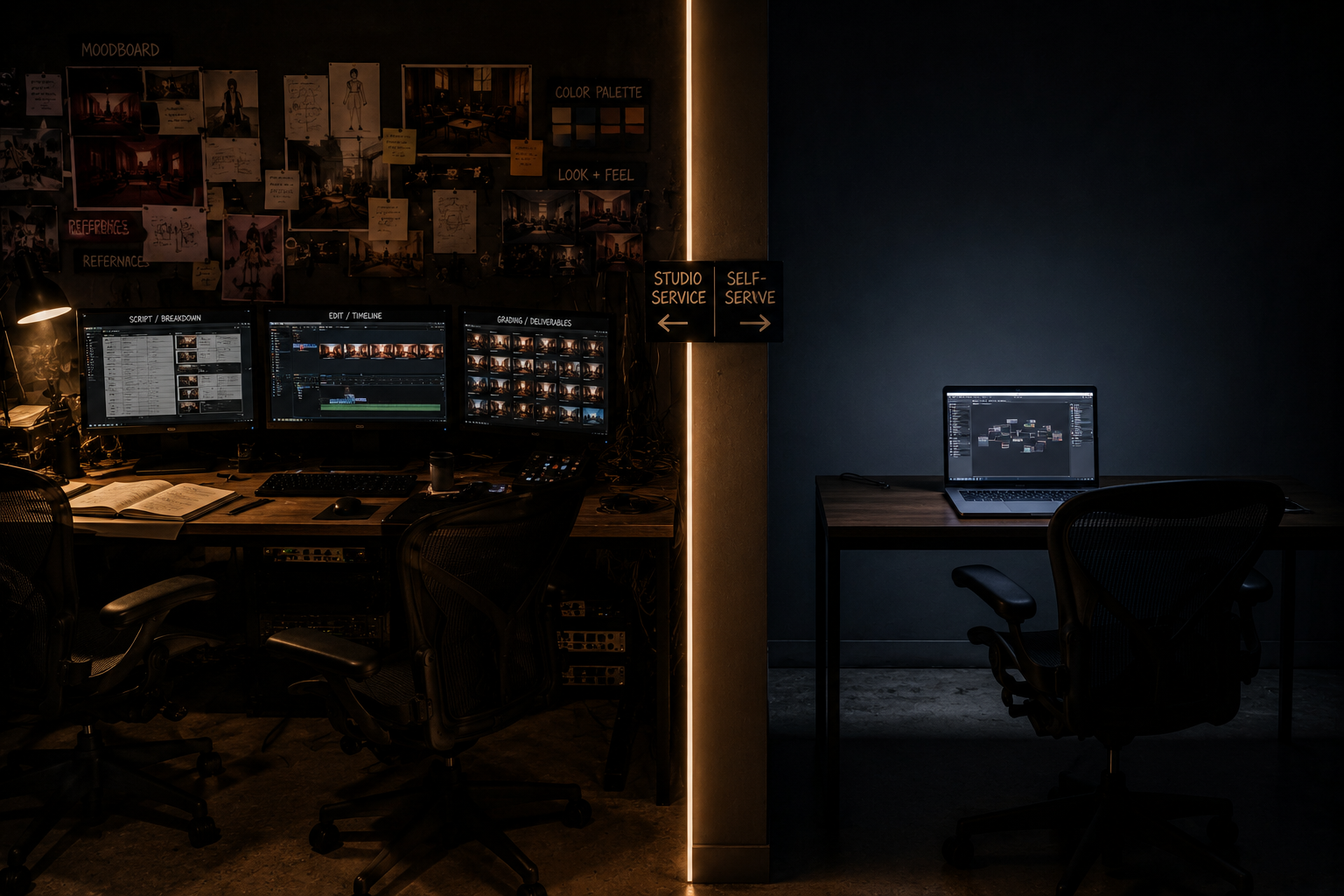
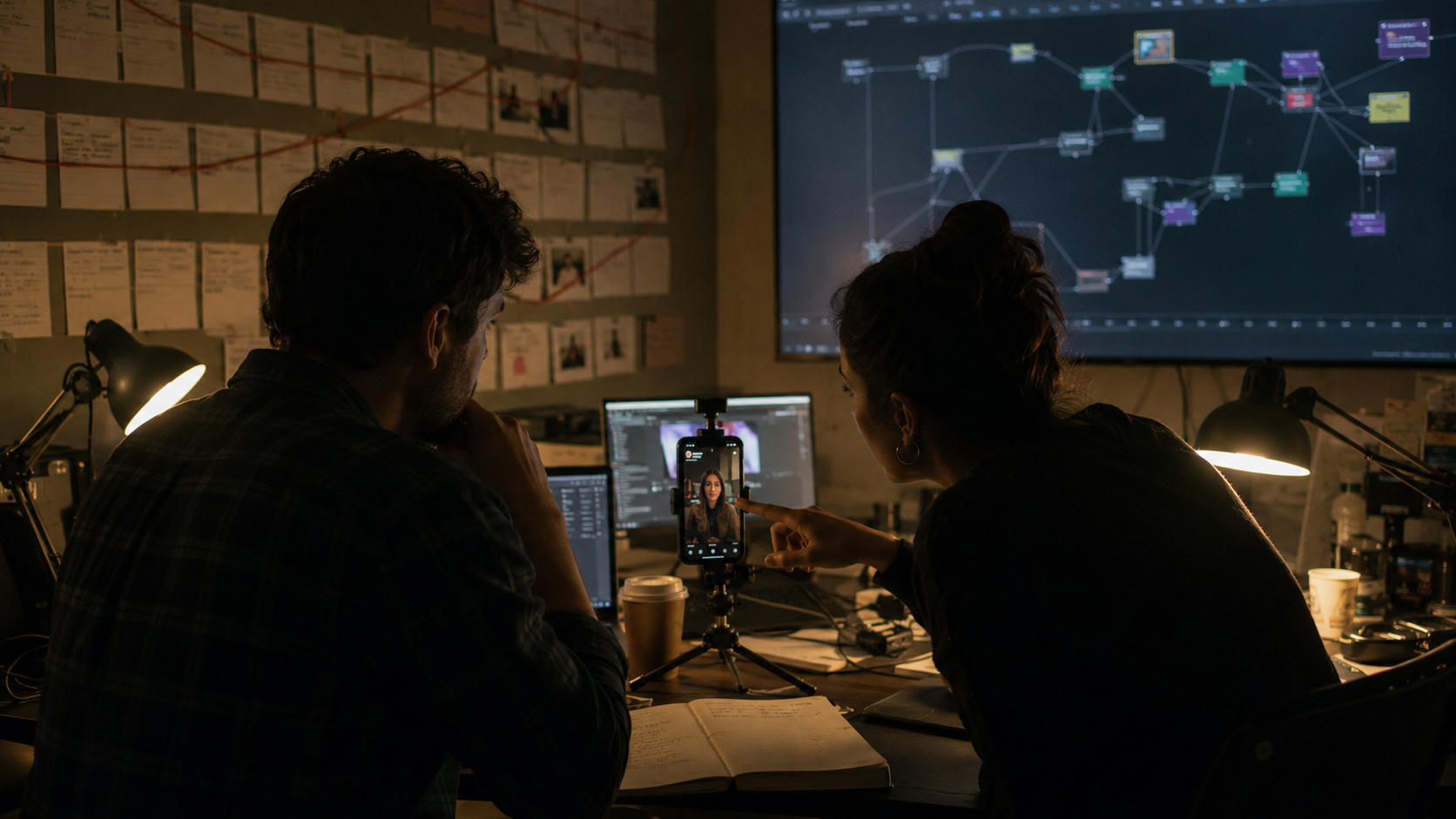
An episode is roughly 8 to 15 shots. Assembling them manually in a timeline editor works for episode one and collapses by episode twenty. This is where AI microdrama production becomes an infrastructure problem: the entire chain, script to scene prompts to image to video to voice to lipsync to music, should live as one reusable pipeline. On the MinionArts Vertex canvas, the full episode workflow is a node graph you run per episode, swapping script and scene inputs while every character lock, style setting, and model route stays fixed, with the Vertex AI Director agent orchestrating the run so raw generations come back as a stitched, consistent episode instead of loose clips. That repeatability is the difference between shipping 3 episodes and shipping 60.
Step 7: Distribute and Monetize
Season economics follow a standard shape in 2026: the first 5 to 10 episodes run free, then viewers unlock episodes with coins priced between $0.50 and $1.00, watch rewarded ads, or subscribe weekly at $10 to $20. Many viewers spend $20 to $40 to finish a single series. Platform-by-platform payout mechanics differ significantly; see our breakdowns of how microdrama platforms pay producers and ReelShort vs DramaBox vs PineDrama distribution. Once the home-market season performs, localization multiplies the same inventory across languages; the full system is in our AI microdrama localization guide.
What a Season Actually Costs and How Long It Takes
| Stage | Output | Timeline (2 to 3 person team) |
|---|---|---|
| Premise and season beat sheet | 60 episode arc | Week 1 |
| Character bible and style lock | Reference sets, voice IDs | Week 1 to 2 |
| Batch 1 production (ep 1 to 10) | Free hook episodes | Week 2 to 3 |
| Batch 2 to 5 production (ep 11 to 60) | Paywalled season | Week 3 to 6 |
| Platform submission and launch | Distribution live | Week 6 |
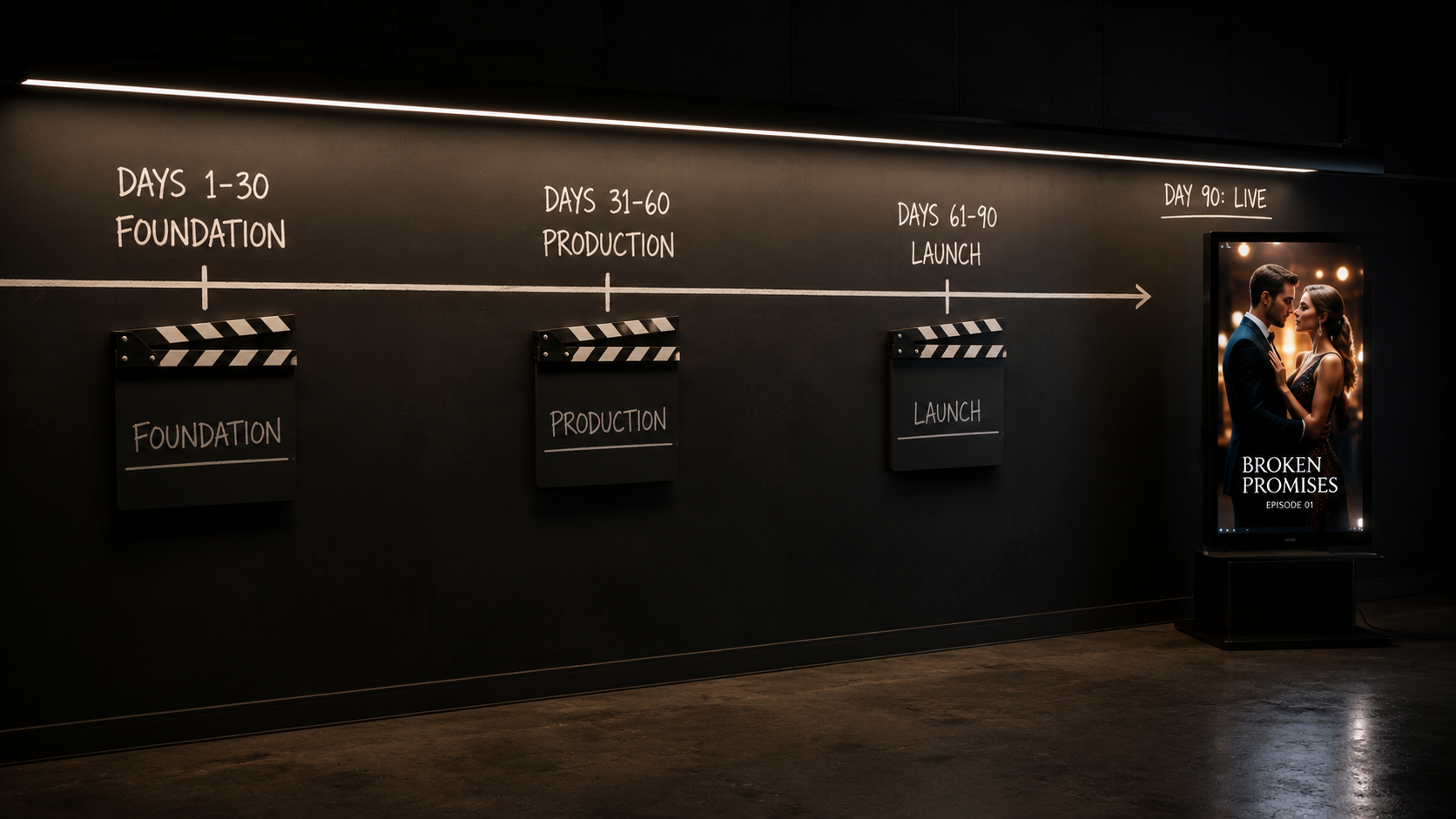
AI production runs at roughly one tenth of an equivalent live-action shoot, which itself averages $2,000 to $3,000 per finished minute for microdrama. South Korean platform Vigloo completed an AI-generated vertical drama in six weeks at a reported 90 percent cost reduction. Full per-episode math by budget tier is in our AI microdrama cost breakdown, and the planning system that keeps 60 episodes on schedule is in our 60 episode season planning guide.
The Tool Stack in One View
Every layer of the pipeline has a 2026 best-in-class option: image models for casting, Seedance 2.0, Kling 3.0, and Veo 3.1 for video, voice cloning and lipsync for dialogue, and music models for score. The full comparison, including when to route which shot to which model, lives in our AI microdrama tool stack guide. If you want the orchestration layer pre-built, the Vertex canvas chains all of these models into one reusable episode workflow.
FAQ
How long does it take to make an AI microdrama?
A complete 60 episode season takes a small team four to six weeks on a repeatable pipeline. A single pilot episode can be produced in one to two days once characters are locked.
How much does it cost to make an AI microdrama?
As of 2026, AI production runs at roughly one tenth of live-action microdrama cost, which averages $2,000 to $3,000 per finished minute. Exact numbers depend on model mix and retry rates.
Can one person make an AI microdrama?
Yes for a pilot, difficult for a season. Sustained 60 episode output realistically needs two to three people covering story, production, and QC, or a heavily automated workflow canvas.
What is the best model for AI microdrama video generation?
There is no single best model. Seedance 2.0 leads for dialogue with native lip sync, Kling 3.0 for motion, Veo 3.1 for cinematic establishing shots. Production-grade pipelines route shots by type.